




Viewed Articles

How to operate Weldcom laser welding machine easily and effectively
- Home
- Technical advice
- How to operate Weldcom laser welding machine easily and effectively
Possessing many outstanding features and advantages, Weldcom laser welding machines are currently loved and accepted by a large community of mechanical enthusiasts. However, many people have concerns that this advanced equipment requires a lot of knowledge as well as operating experience. In this article, we will learn how to master the Weldcom laser welding machine for readers to refer to the application.
1. Reasons you need to know how to operate a laser welding machine
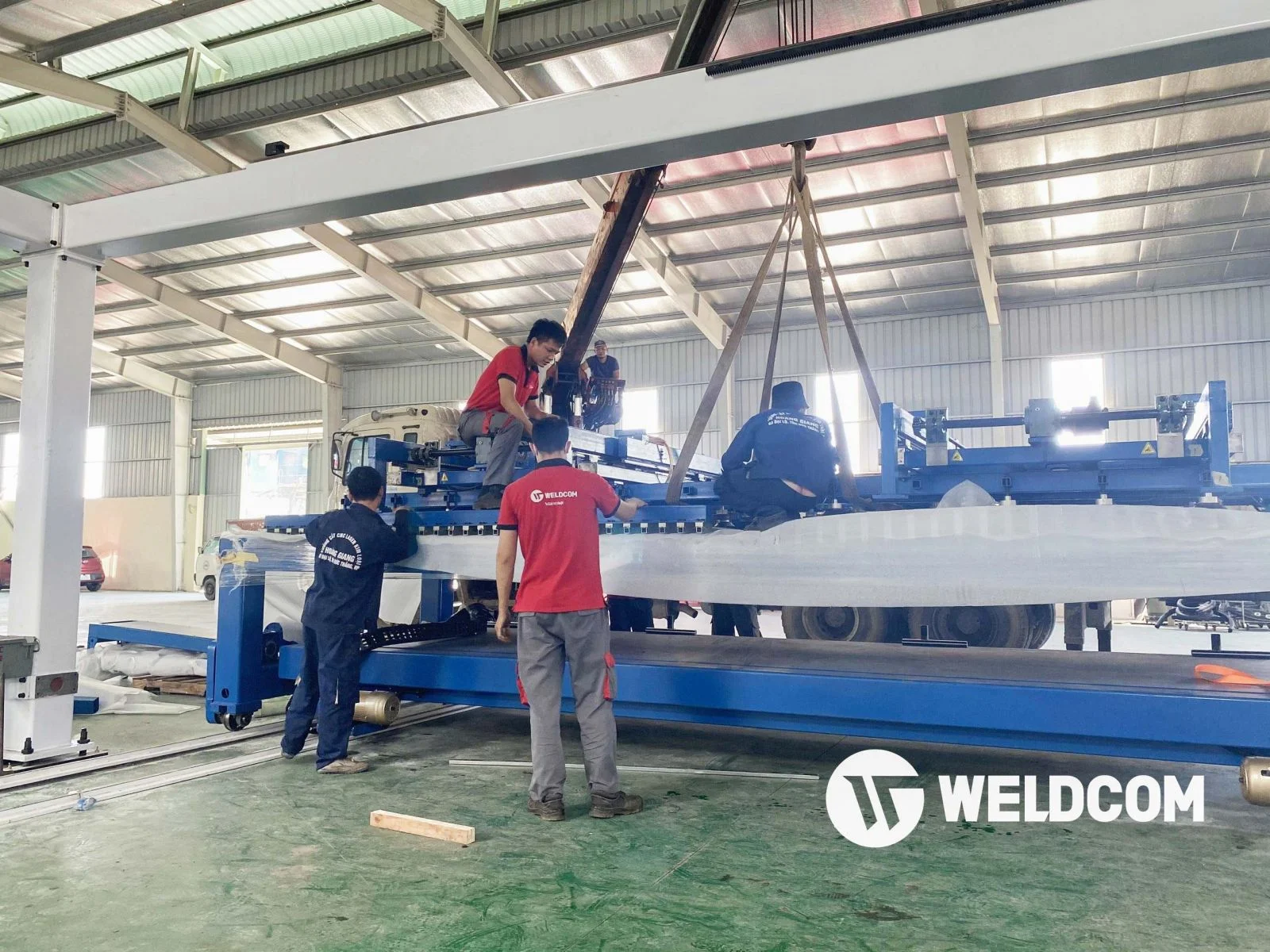
Operating the laser welding machine for good operation is essential
In addition, improper operation will cause the machine to run unstable, causing the above components in the machine to overheat, causing damage, leading to users having to spend more money to repair the device.
With the above, the operation to use the laser welding machine is essential.
2. Weldcom laser welding machine installation and operation manual for new users
To help readers understand specifically how to install and operate, the product models that Weldcom would like to choose for guidance will be LW1000 and LW1500.
2.1. Weldcom laser welding machine operation
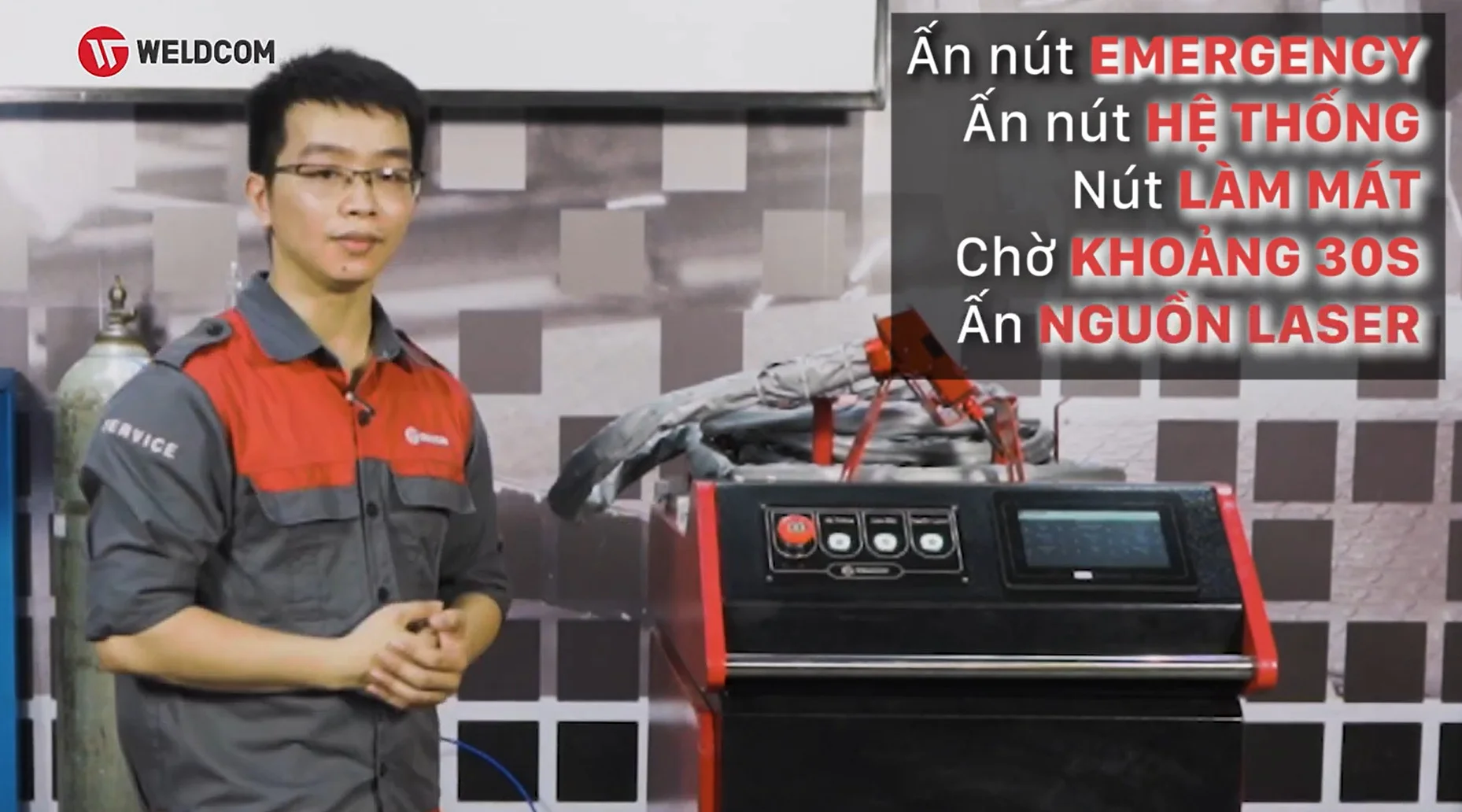
Technical staff operating manual Weldcom laser welding machine
Step 3: Finally, we will turn on the laser welding power button to end the operation.
2.2. Weldcom laser welding machine installation
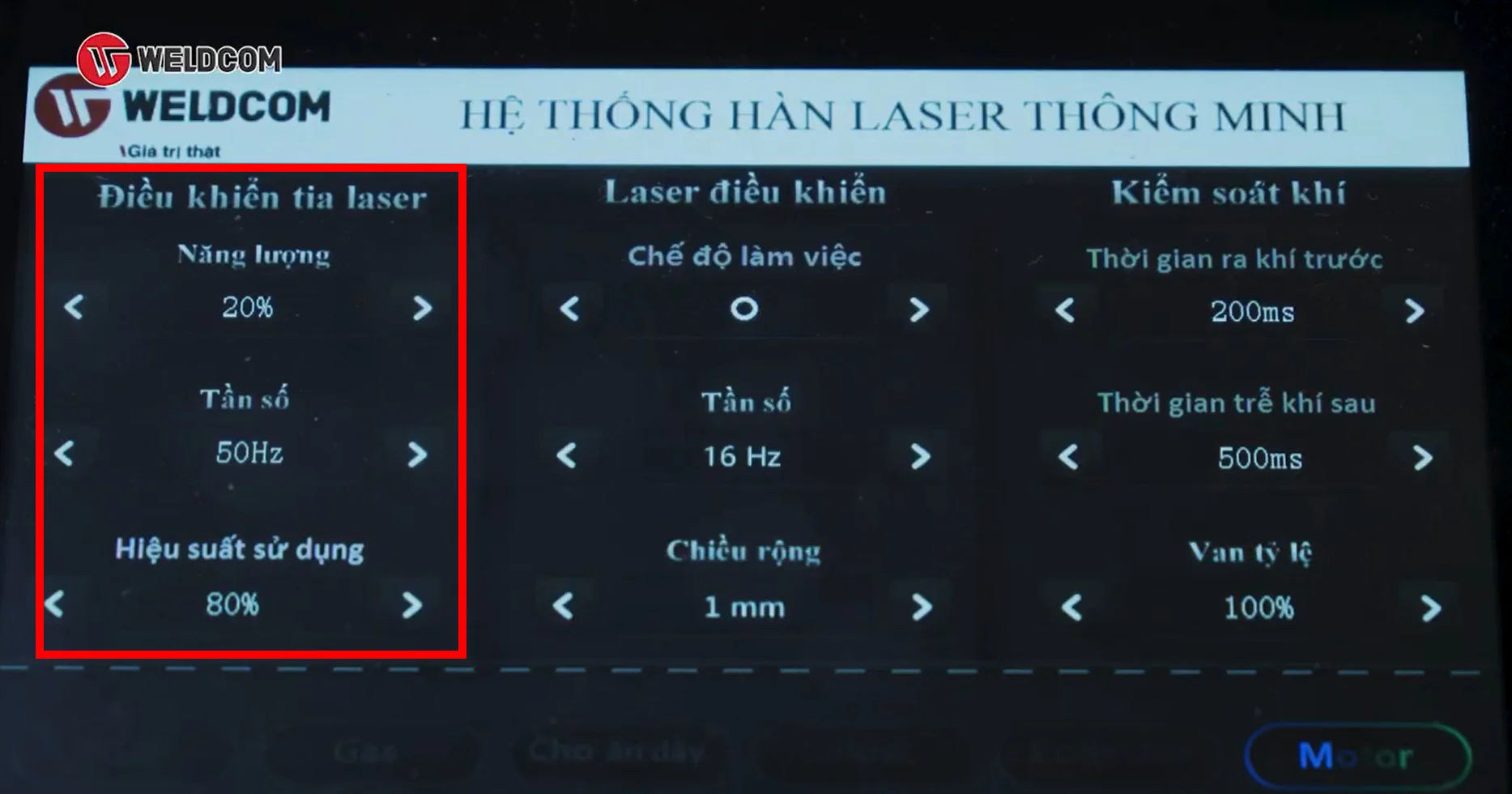
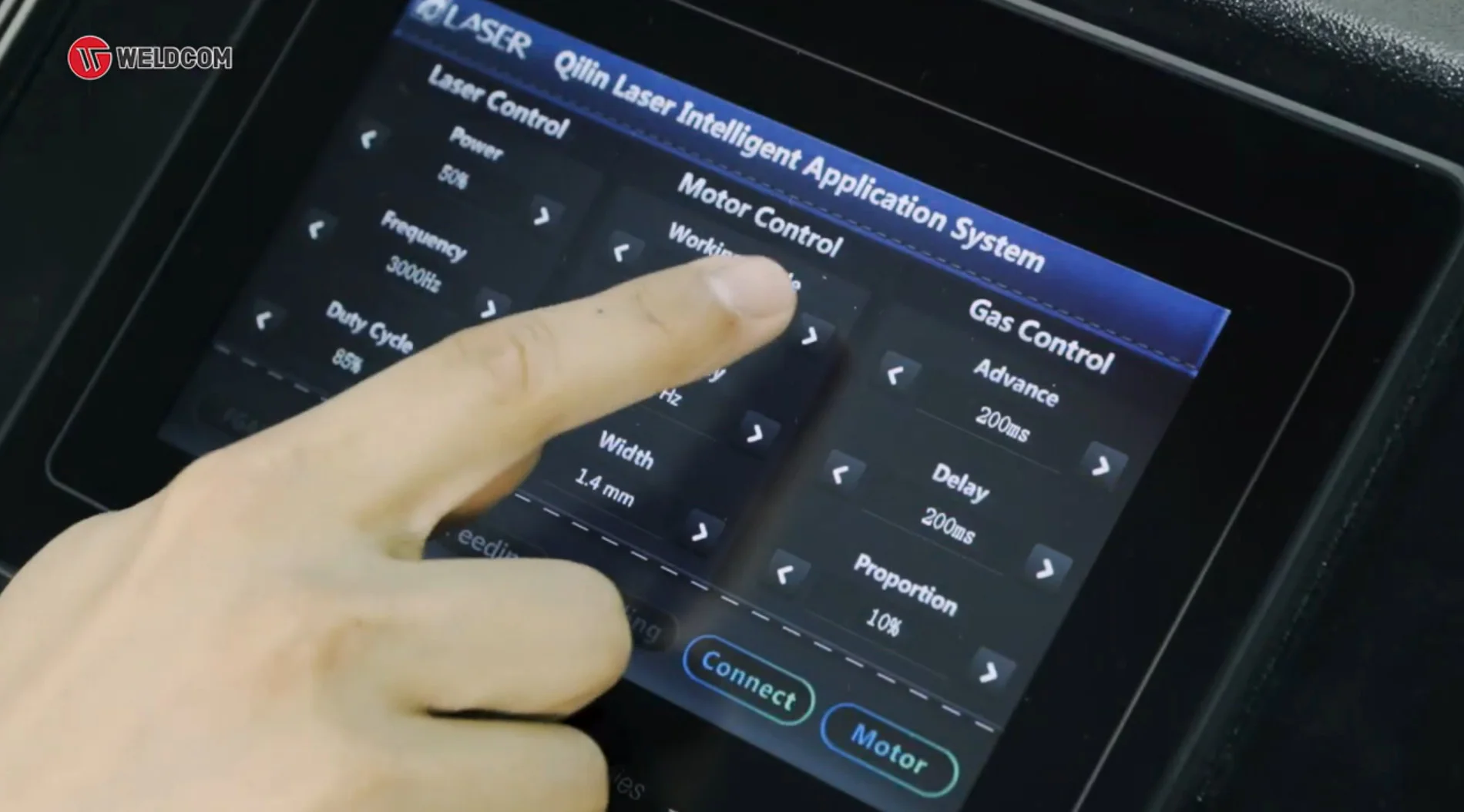
Laser control area
- The second area is used to control the Quilin welding gun, denoted by "laser control" that integrates parameters such as the welding gun working mode divided into 7 features for users to choose such as punch welding, line welding, welding. single circle, double round welding, single triangle and double triangle, semicircle line. The second factor is the oscillation frequency of the lens axes on the Quilin welding gun to create the working modes. The remaining parameter is the width to adjust the width of the laser welding beam.
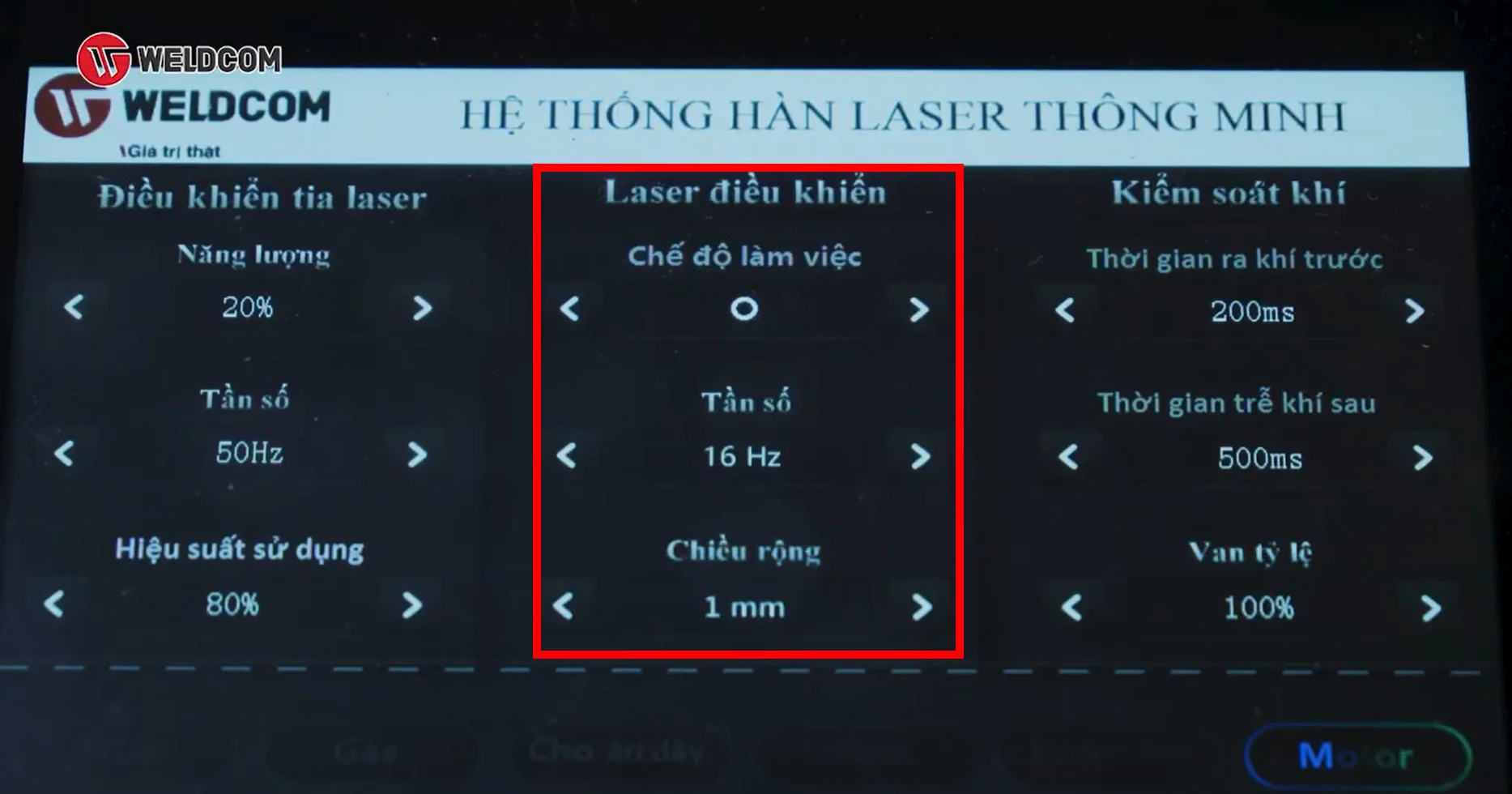
Controlled laser area
- The final setting area located in the right corner of the screen is “gas control” which helps to adjust the pre-air release time and the post-weld delay time. The above two parameters have an important function to protect the prism on the Quilin welding gun from overheating.
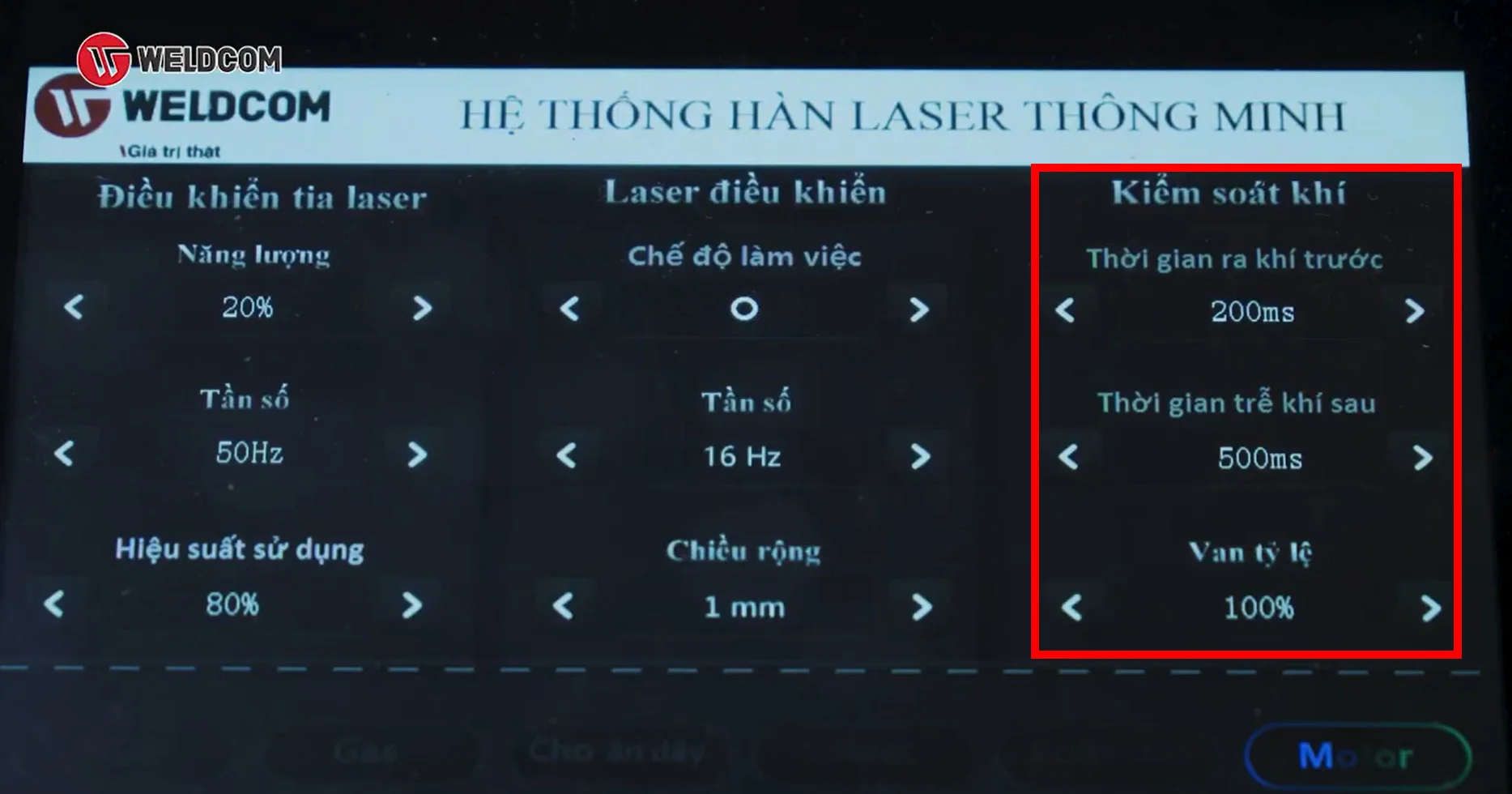
Gas control area
3. Notes when using laser welding machine
- Using a laser welding machine a lot with large capacity will lose the cooling water level, causing the machine to heat up. Therefore, always check and make sure the cooling water level is in the green zone, it is recommended to use double distilled water for cooling.
- Before using the machine, increase the exhaust time parameter before welding and after welding to protect the lens on the Quilin welding gun.
- After each shift, check the protective prism on the welding gun to make sure the lens is clean and free of impurities or dirt. In case if the lens is dirty, absolutely use dirty hands or a towel to clean it.
- Use the correct tip for the type of connection you are using.
- To ensure a beautiful and high-accuracy weld, you should check that the wire feeder including the wire feed roller and the compensator tip is suitable for the wire diameter.
Related Articles
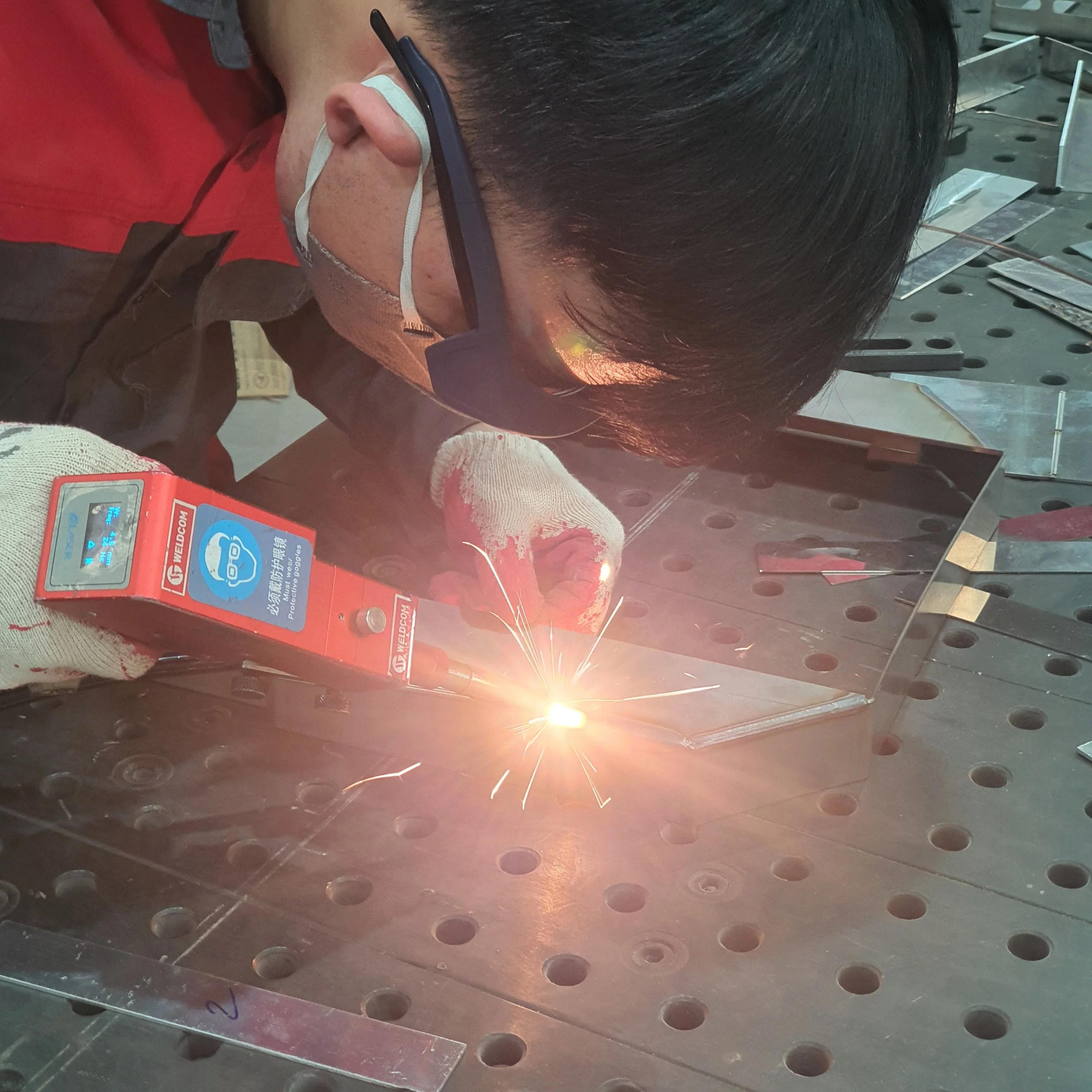
7 surprising effects when investing in laser welding machines for businesses
Recently, the use of laser welding machines is becoming a new trend in the modern manufacturing industry. Leading the way in providing welding equipment and solutions in Vietnam, Weldcom Industrial ...
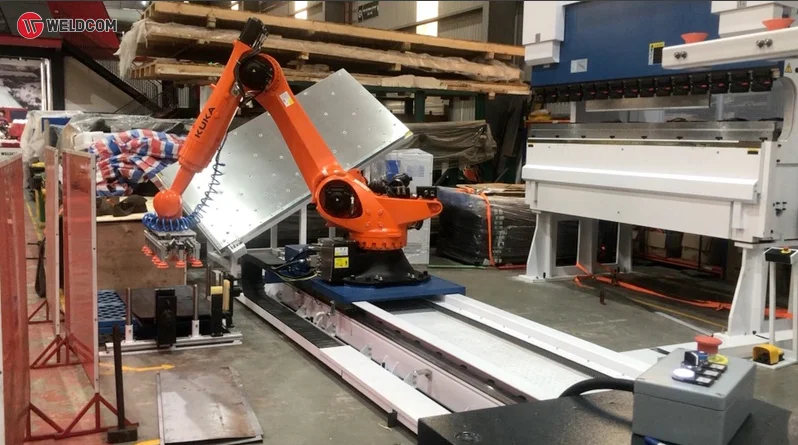
AUTOMATIC SOLUTION FROM YAWEI: ROBOT COMBINED WITH A STRUCKER
The YAWEI brand - Top of the world's leading CNC machine manufacturers - not only provides a comprehensive range of cutting, bending, punching and laser products, affirming the quality and class in ...
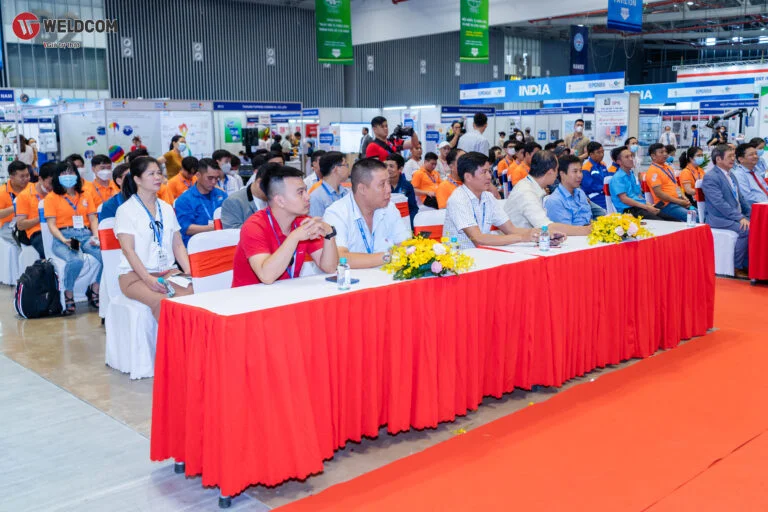
WELDCOM LAUNCH THE LATEST GENERATION OF LASER WELDING MACHINE AT METAL&WELD 2022
During 4 days of participation at the METAL&WELD 2022 exhibition, Weldcom introduced the most advanced welding technologies, attracting thousands of customers to visit and shop. From November 2-5, ...
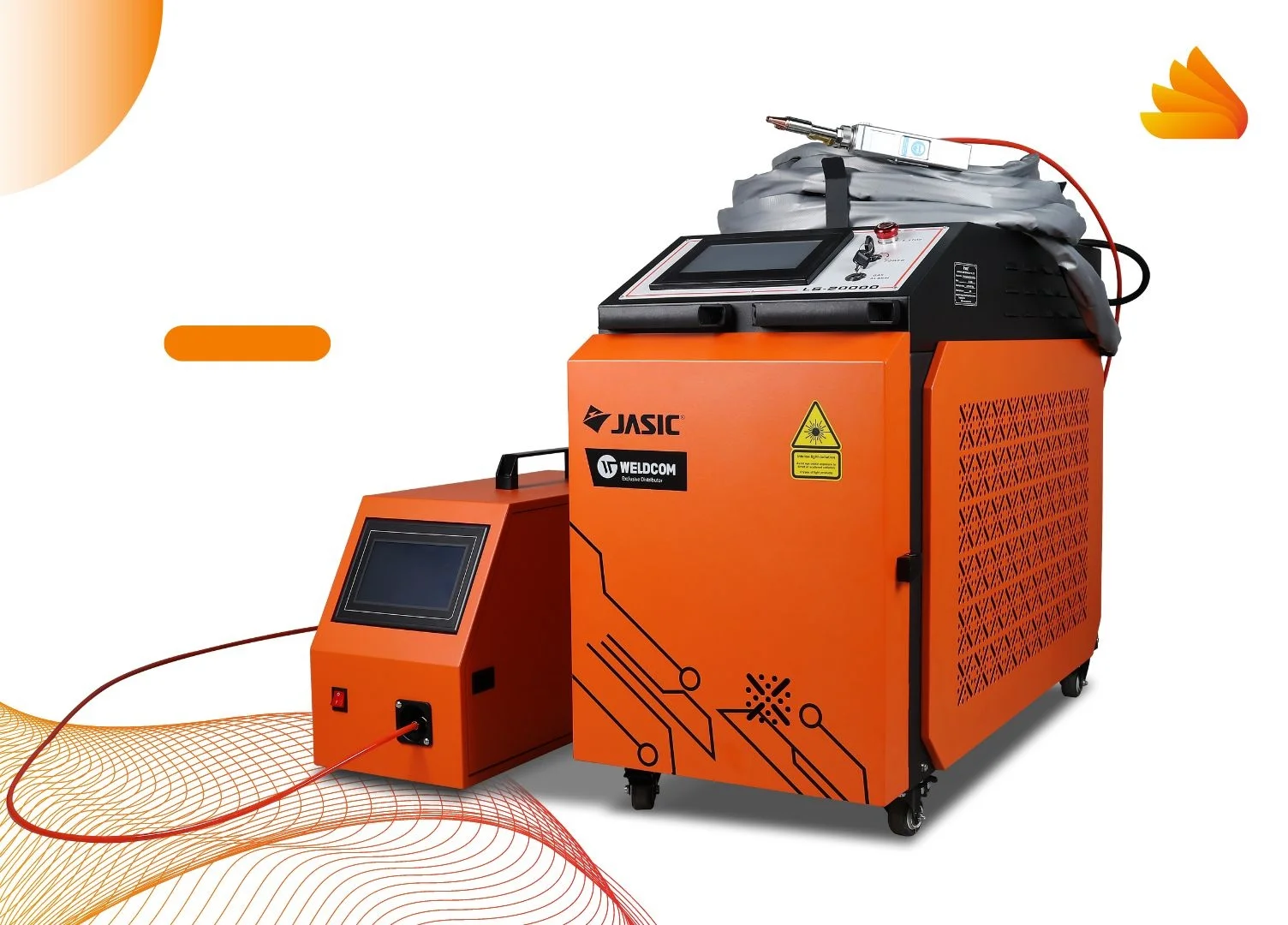
JASIC LASER WELDING MACHINE GRADUALLY POPULAR IN MEDIUM AND SMALL MECHANICAL FACILITIES
After 4 months of launching in Vietnam, JASIC laser welding machine has been receiving positive feedback and quickly "covered" the market. Notably, up to 70% of customers choosing this product are ...
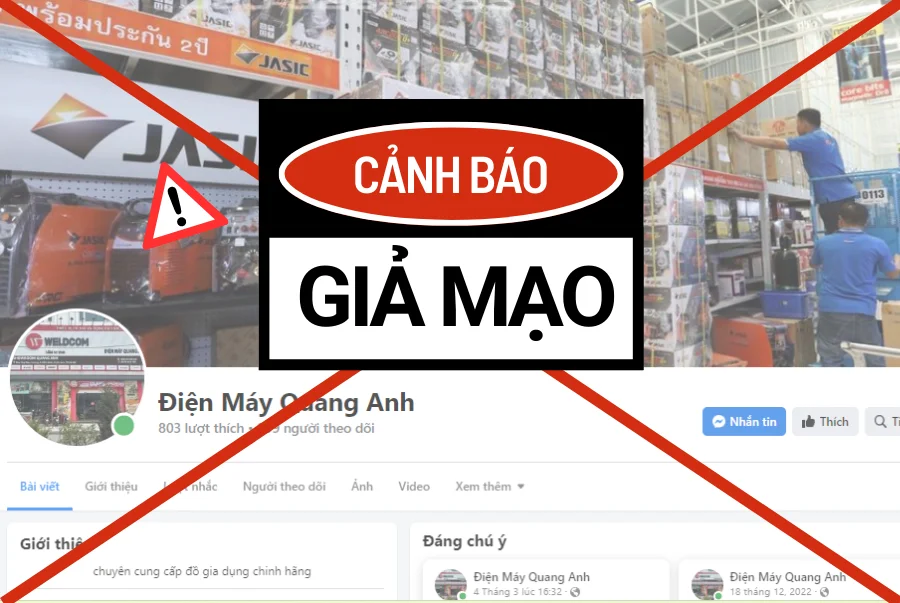
WARNING – QUANG ANH ELECTRICAL IS NOT A DISTRIBUTOR OF WELDCOM
Recently, taking advantage of customers' trust in the prestige of the Weldcom brand, Quang Anh Electronics store has had a very methodical and sophisticated act of impersonating our franchise store. ...
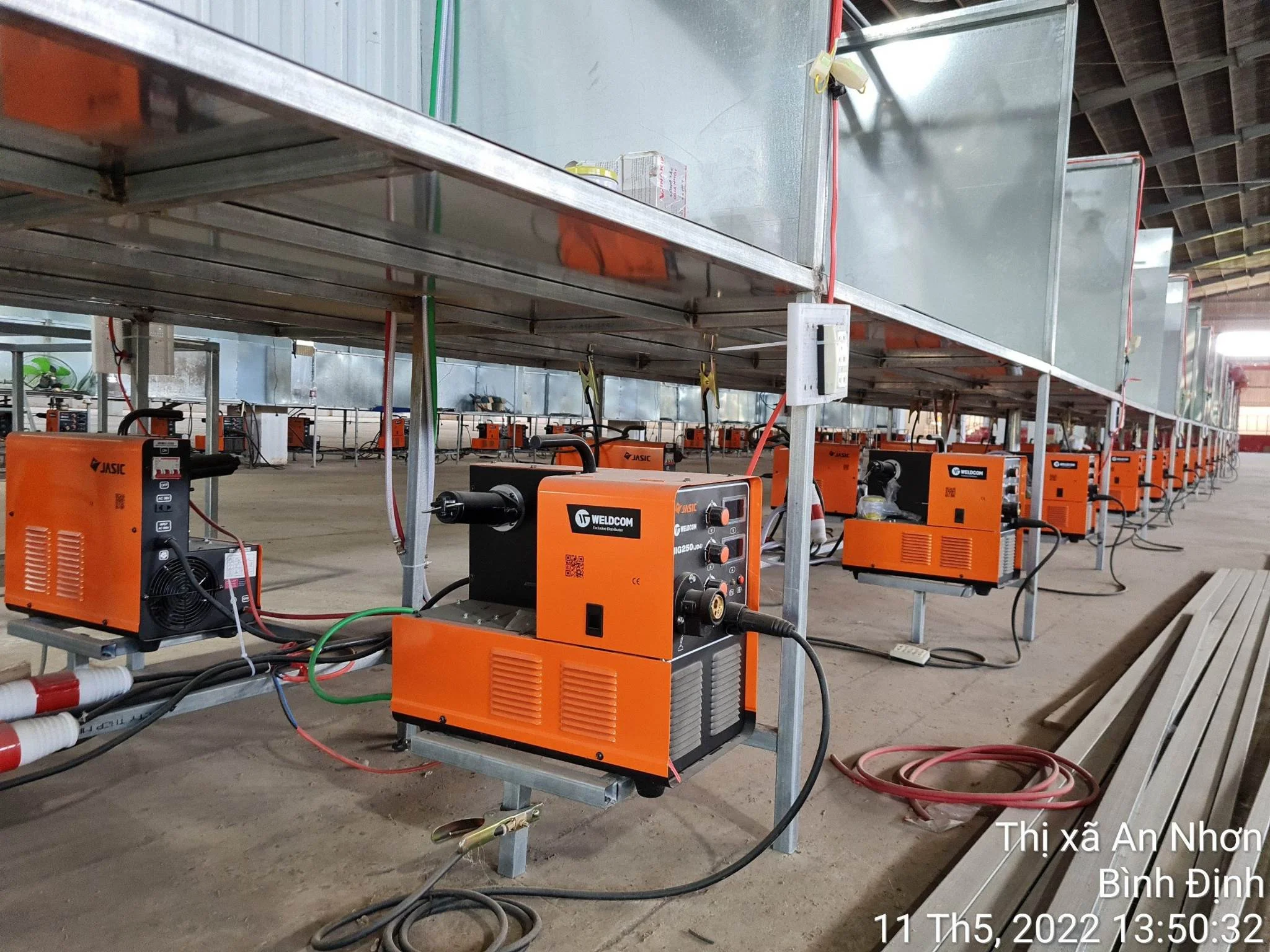
BENEFITS FROM SYNCING WELDING - CUTTING EQUIPMENT AT MECHANICAL MANUFACTURER & WELDING TRAINING CENTER
First appeared in Vietnam since 2011, JASIC welding-cutting machine has quickly proven its superiority and won the trust of millions of consumers. Up to now, JASIC has become the number 1 national ...